

Mobile Device Management: Definition, Uses, Features, and Recommendations
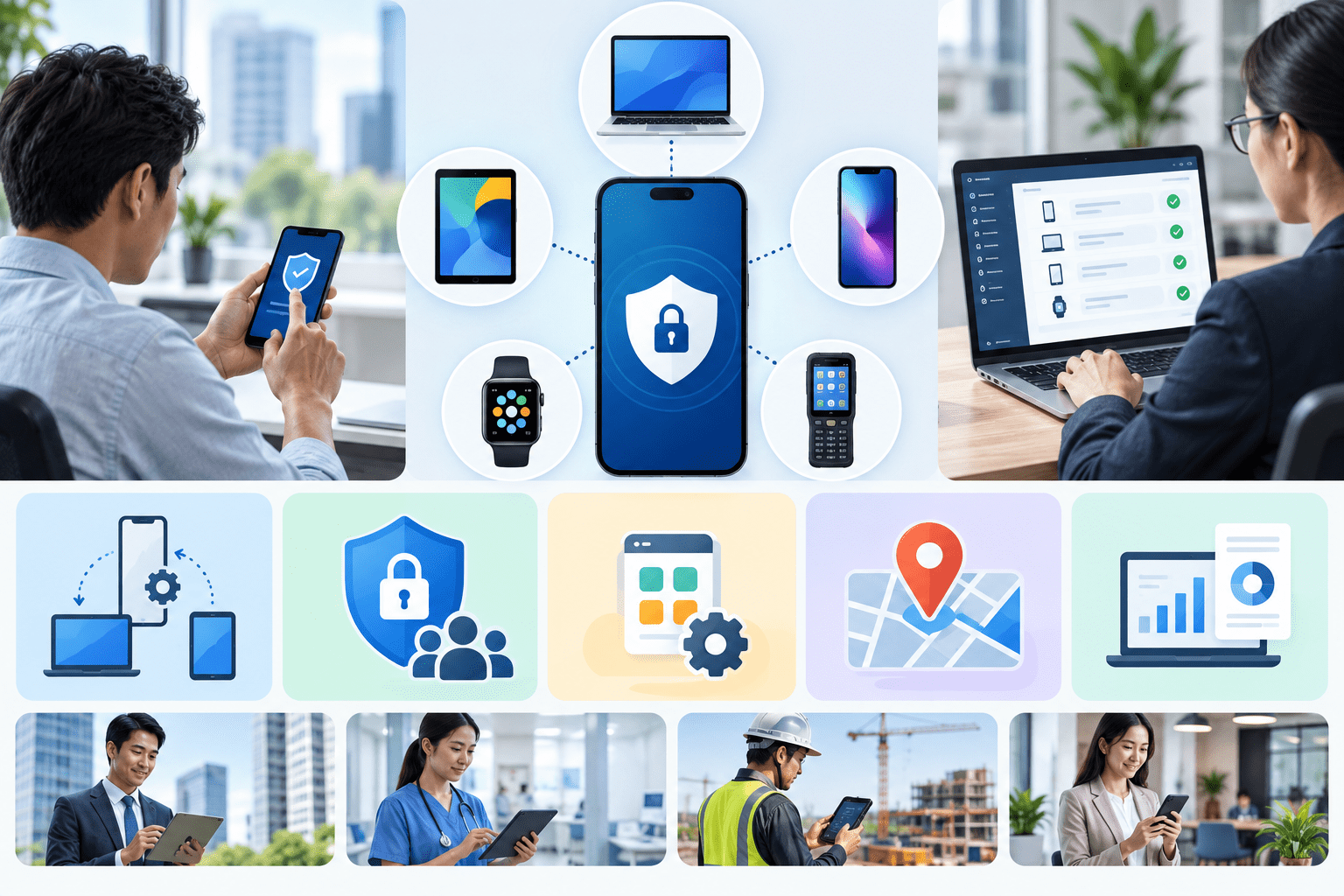
Smartphones, tablets, and other mobile devices are now part of everyday work. Sales teams use devices to access customer data, couriers rely on smartphones to run operational apps, and employees open email and company systems from many locations.
The more devices connect to company systems, the bigger the challenge for the IT team. Companies need to make sure devices stay secure, use the right apps, and do not expose business data to unauthorized parties.
For these needs, companies can use Mobile Device Management, or MDM.
What Is Mobile Device Management?
Mobile Device Management is a system that helps companies manage and secure mobile devices from one central dashboard.
With mobile device management, the IT team can set security rules, install apps, monitor devices, and take action when a device is lost or has a problem.
This way, administrators do not have to check every smartphone or tablet in person. The team can apply many settings remotely.
Mobile Device Management is especially relevant for companies that provide work devices to employees, have field teams, use rugged devices, or allow devices to access company data and apps.
What Is Mobile Device Management Used For?
Mobile device management does more than tell you which devices employees are using. It helps companies keep devices in line with security and operational standards.
Here are some of its uses.
Setting Device Security Policies
Companies can define device usage standards centrally.
For example, the IT team can require a passcode, enforce encryption, or decide which apps are allowed.
With the same rules on every device, companies can reduce the security risks that come from inconsistent configurations.
Managing Company Apps
Installing or updating apps manually becomes inefficient when a company has hundreds or thousands of devices.
With Mobile Device Management, administrators can distribute apps from one system. The team can also manage app updates without having to handle each device one by one.
This is very helpful for companies that use internal apps for sales, logistics, field operations, or customer service.
Securing Lost Devices
Work devices can store email, documents, business accounts, and customer data.
That is why losing a smartphone is not only a hardware loss. Company data can also be at risk.
Mobile device management provides extra control such as remote lock and remote wipe. If a device is lost or stolen, the administrator can lock it or remotely erase the data that needs to be protected.
Monitoring Devices Remotely
Companies with many devices need better visibility.
Through the mobile device management dashboard, the IT team can see the condition and activity of devices without manual checks. This way, the company can identify devices that are not following policy or that need attention.
Supporting Field Team Operations
Mobile Device Management is also useful for companies with couriers, technicians, field sales, or other operational staff.
Companies can manage apps, security policies, and device location tracking according to their operational needs.
When Does a Company Start to Need Mobile Device Management?
Companies usually start to need Mobile Device Management when the number of devices grows and managing them manually is no longer effective.
For example, a company has dozens of smartphones for its sales team. At first, the IT team may still be able to install apps and configure each device one by one. But that process takes more and more time as the number of devices grows into the hundreds.
Mobile device management also becomes more relevant when:
- employees access company data through mobile devices;
- the company provides smartphones or tablets for work;
- the company has many field teams;
- there are internal apps that must be installed on every device;
- the IT team needs to apply the same security standards;
- the company needs to see device status centrally;
- or there are audit and security compliance requirements.
In other words, mobile device management helps companies turn manual device management into something more centralized and controlled.
Choosing Mobile Device Management for Your Company
Every company has different device needs. That is why choosing mobile device management should not focus only on the number of features.
Companies also need to look at the types of devices used, security needs, how apps are distributed, monitoring capabilities, and integration with the company’s identity systems.
Technical support should also be considered, especially if the company manages a large number of devices.
For these needs, Smartme provides a Mobile Device Management service that helps IT teams manage company devices through one cloud console. The solution covers security policy settings, app distribution, device tracking, and remote security actions.
Smartme Mobile Device Management Features
Smartme mobile device management provides several key capabilities to help companies keep devices secure while making device operations easier.
1. Security Policy Enforcement
Administrators can define device usage rules from one system.
For example, the company can require a passcode, manage encryption, and create a whitelist of allowed apps. This way, the IT team can maintain consistent security standards across many devices.
2. Remote Lock and Remote Wipe
If a device is lost or stolen, the IT team can take action without needing to hold the device.
Remote lock helps restrict access, while remote wipe lets the company erase data on the device to reduce the risk of information misuse.
3. Location Tracking
Smartme mobile device management provides real-time GPS support that can help companies monitor field team devices.
This feature is useful for needs such as logistics operations, couriers, technicians, and other company devices that operate across many locations.
4. App Distribution and Updates
The IT team can distribute and update apps from the dashboard.
This way, the company does not have to install apps manually on every device. Smartme states that its system can silently deploy apps to more than 10,000 devices.
5. Device Usage Analytics
Besides managing devices, administrators also need information to monitor their condition.
With usage analytics, the team can see information such as app usage, data usage, and battery condition. This helps the IT team recognize operational needs more quickly.
6. Policy Monitoring
Once the company has defined its policies, the system can help monitor devices continuously.
Smartme provides alerts when a policy violation occurs. This way, administrators can spot problems without having to check every device manually.
Which Platforms Does Smartme Mobile Device Management Support?
Platform support is one of the most important things to consider when choosing Mobile Device Management software.
Smartme mobile device management supports iOS and Android, including the management of industrial rugged devices. This lets companies manage the many types of devices used for both office work and field operations.
Besides device support, Smartme also lists integration with several enterprise ecosystems:
- Apple Business Manager
- Google Zero-Touch
- Samsung Knox
- Microsoft Azure AD
- Okta
- Active Directory
These integrations make it easier for companies to enroll devices and connect device management with the identity systems and IT environment they already use.
How Does Smartme Mobile Device Management Work?
Device management can start with a few simple steps.
First, the team performs device enrollment using a QR code or zero-touch enrollment.
Once devices are registered, the administrator sets policies by device group. For example, sales team devices can have a different configuration from courier devices.
Next, the team can distribute apps, set up Wi-Fi, and install the required configurations or certificates.
Once all devices are active, the administrator can monitor them through the dashboard and receive alerts if a policy is violated.
With this flow, companies can manage many devices without having to repeat configurations manually.
The Advantages of Smartme Mobile Device Management
One of the main advantages of Smartme mobile device management is the ability to manage many device needs through one cloud console.
The IT team can combine security, app deployment, monitoring, and device management in one system. This helps reduce repetitive work while giving better visibility into company devices.
Other advantages include:
Device Management at Scale
Smartme designed its mobile device management service for enterprise needs. The platform can support managing large numbers of devices, including app distribution to thousands of endpoints.
Support for Many Device Types
Support for iOS, Android, and industrial rugged devices gives companies more flexibility to manage devices according to their operational needs.
Integration with Enterprise Ecosystems
Support for Apple Business Manager, Google Zero-Touch, Samsung Knox, Azure AD, Okta, and Active Directory helps companies integrate mobile device management with the IT infrastructure they already run.
Support for Enterprise Needs
Smartme also provides 24/7 support and dedicated mobile device management engineers for enterprise accounts. This support can help companies when they face technical issues or need adjustments to how devices are managed.
How Much Does Smartme Mobile Device Management Cost?
Every company’s Mobile Device Management needs can differ, especially in terms of the number of devices, device types, security configuration, and integration needs.
Companies can start with a consultation to get a proposal that fits their implementation needs.
This approach lets companies choose a solution based on their scale of use, instead of paying for a package that may not match their operational situation.
The Benefits of Using Mobile Device Management
Mobile Device Management offers benefits that go well beyond making the IT team’s job easier.
With a centralized system, companies can keep devices secure, speed up app distribution, reduce manual configuration work, and gain better control when devices are used outside the office.
Mobile device management also helps companies keep device usage standards consistent even as the number of employees and devices keeps growing.
For businesses with many mobile devices, field teams, or stricter security needs, this kind of approach can make operations much easier to control.
For companies that need enterprise-scale management, Smartme Mobile Device Management offers support for iOS, Android, and industrial rugged devices, app distribution, GPS tracking, monitoring, and integration with many enterprise ecosystems.
With the right system, companies not only get better control over their devices, but can also help the IT team keep things secure and run mobile operations more efficiently.



Transform Your Business Communication Today
Join 1000+ businesses modernizing their telecom with SME. Get started with a free consultation.